A little paper fox that helps on your Mac.
Hold ⌃⌥ and ask out loud. Glint shows you where to click, sends a helper to do the busywork, or types what you say into any app.
macOS 14+, Apple silicon. Glint is free, and Threshold never charges you. It thinks with an AI account you bring: you connect your own OpenRouter account in a minute, and any AI usage is between you and OpenRouter.













There’s a whole app behind the fox.
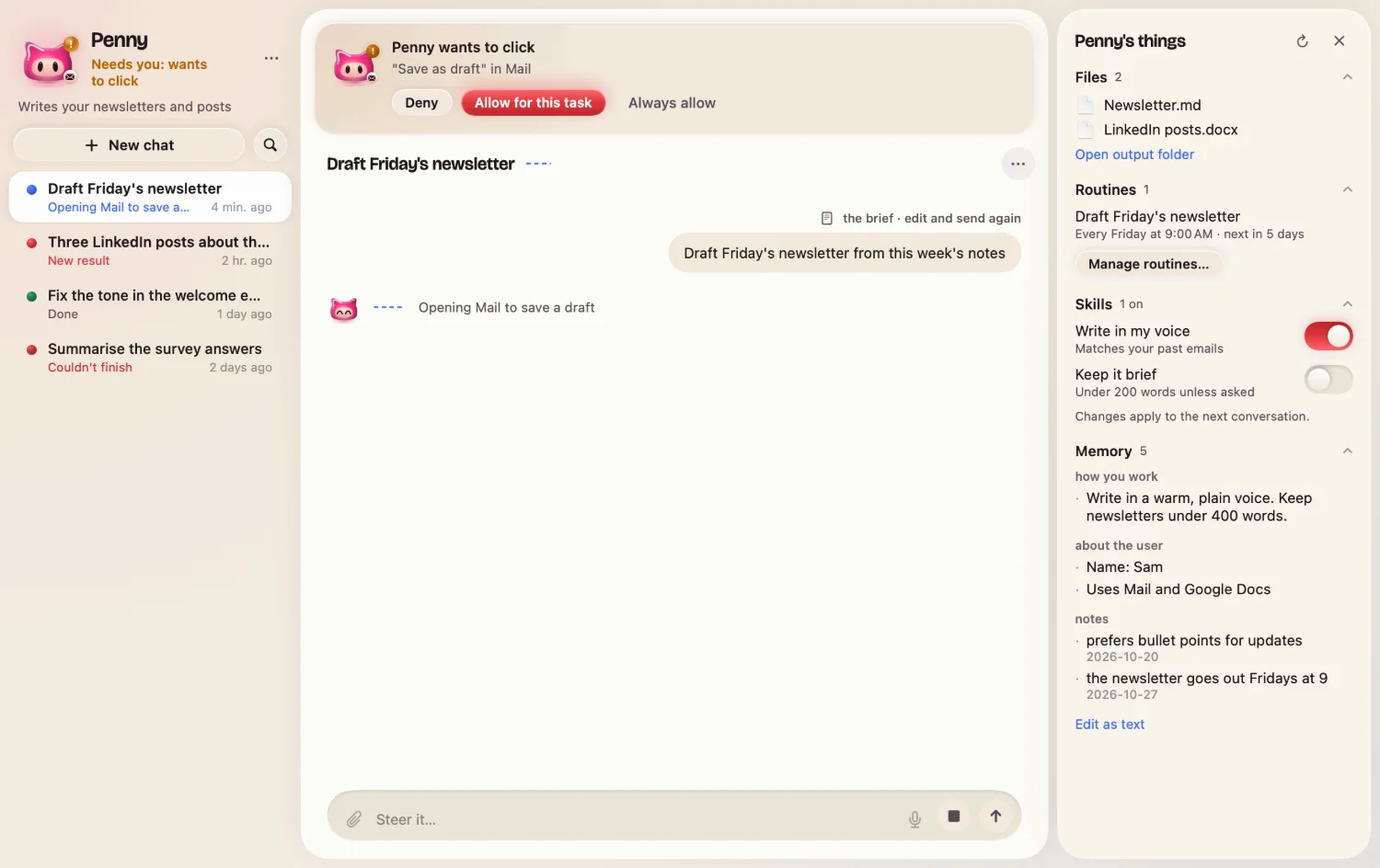
Helpers with their own rooms, apps they can work in, and a look you choose. The app’s own screens:
Your day, in one calm page
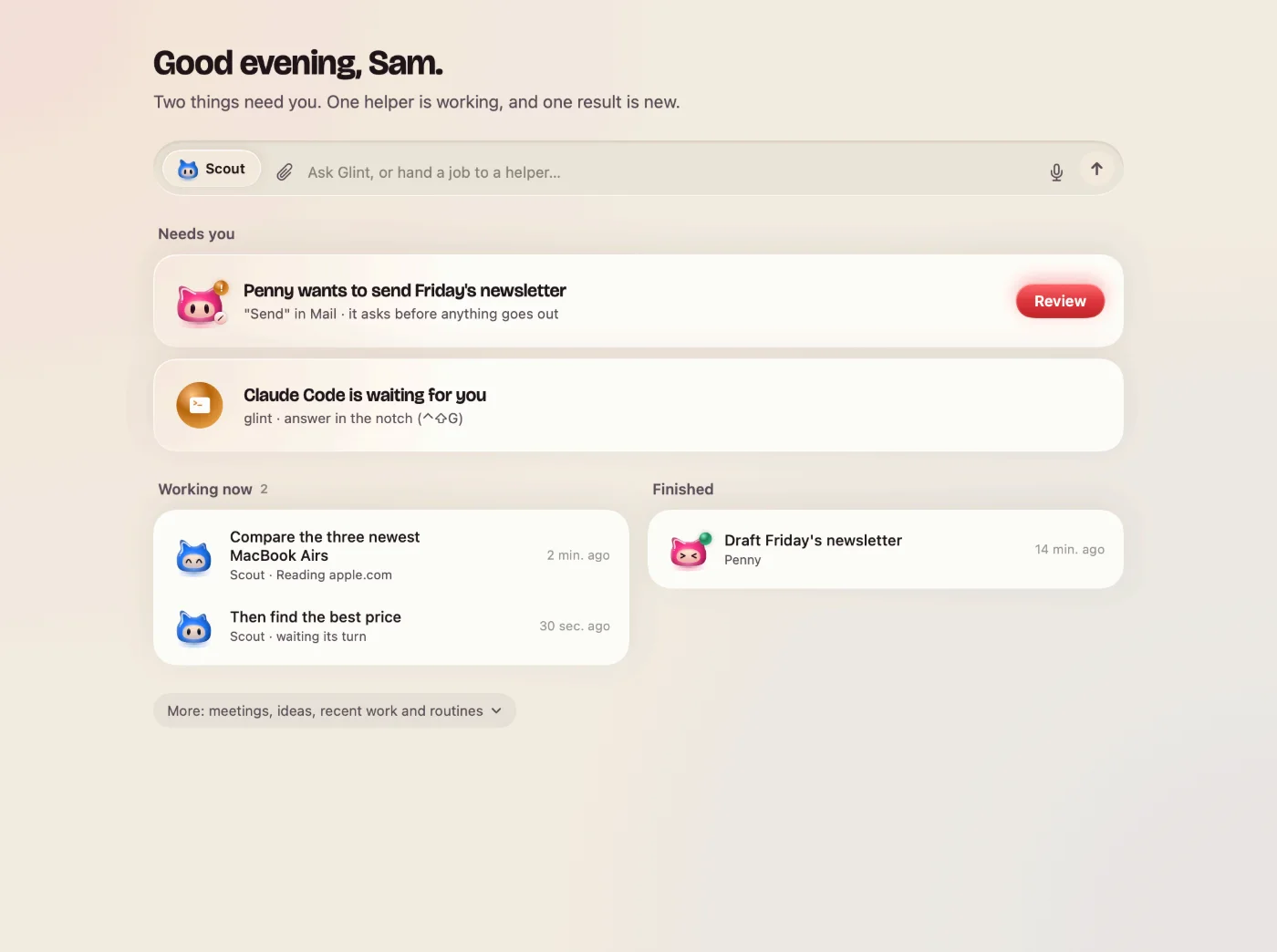
A new helper in a minute
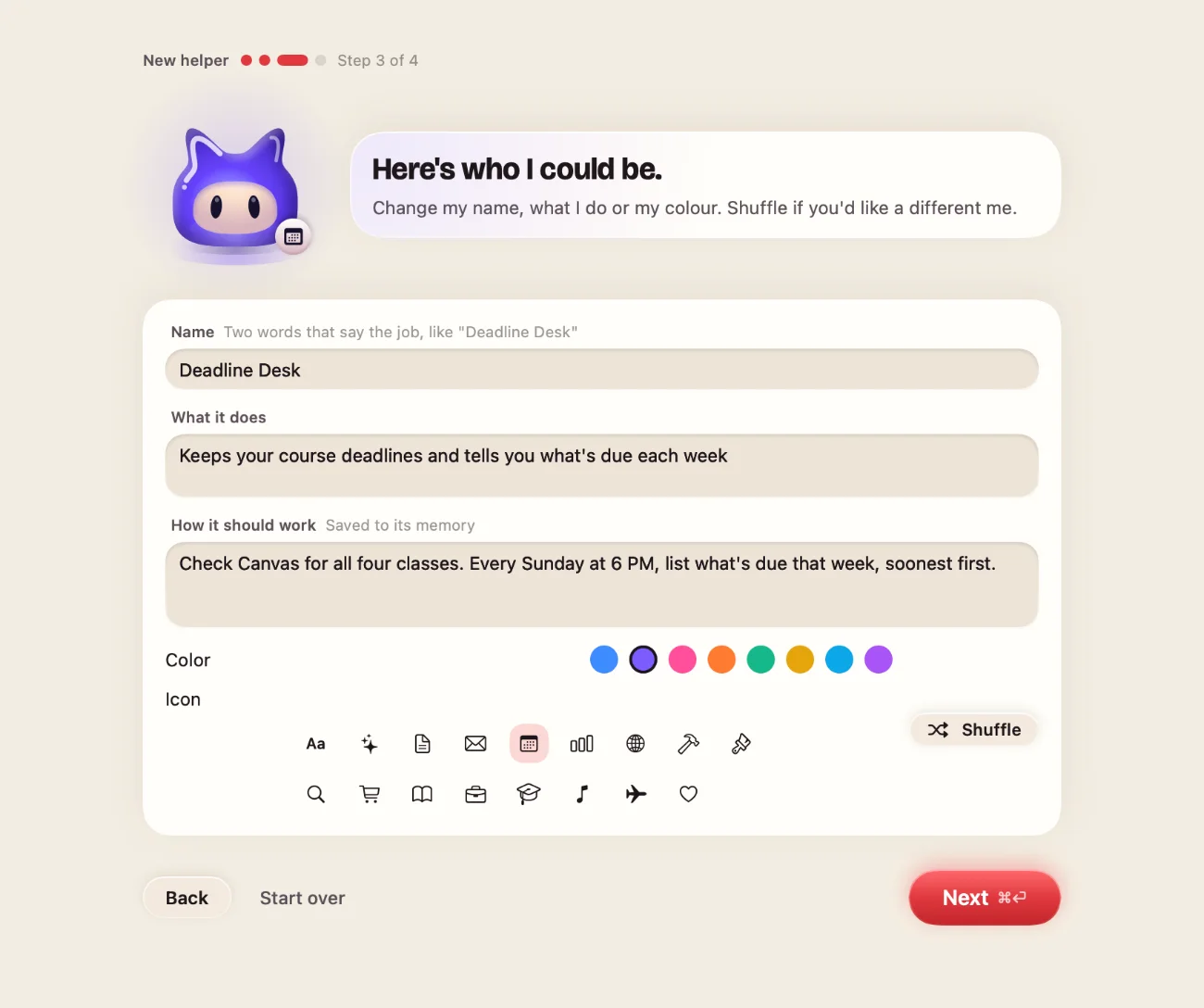
Each helper keeps its own room
Connect 38 apps
Connected apps Sign in once in your browser. Helpers can use them right away. What you can ask in each →
 Gmail
 Google Calendar
 Google Drive
 Google Docs
 Google Sheets
 Google Tasks
 Google Meet
 Google Photos
 YouTube
 Outlook
 Microsoft Teams
 OneDrive
 Notion
 Slack
 Discord
 Zoom
 Linear
 Jira
 Asana
 Trello
 ClickUp
 Todoist
 Airtable
 GitHub
 Figma
 Canva
 Dropbox
 HubSpot
 Salesforce
 Calendly
 LinkedIn
 Reddit
 Instagram
 Zendesk
 Intercom
 Mailchimp
 Google Ads
 Google Analytics
Everything at a glance
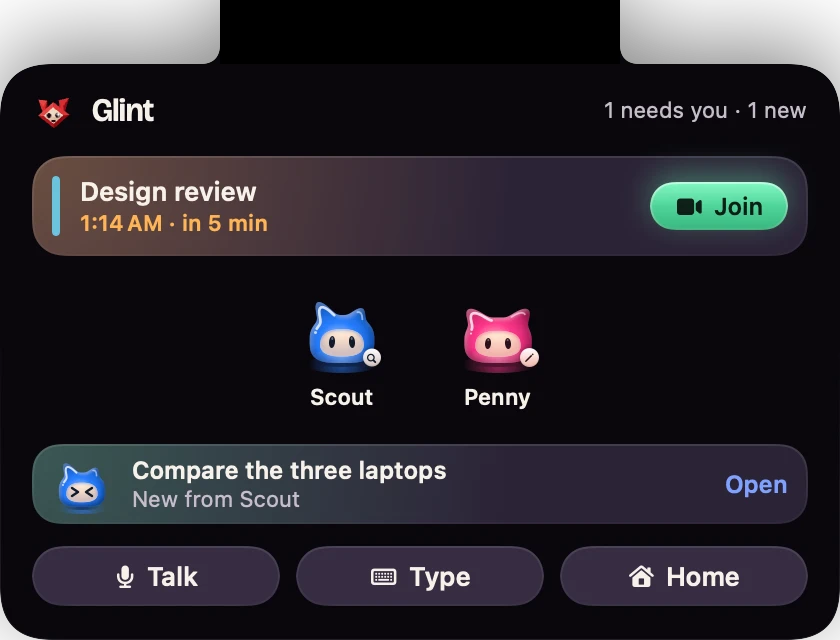
Glint, your way
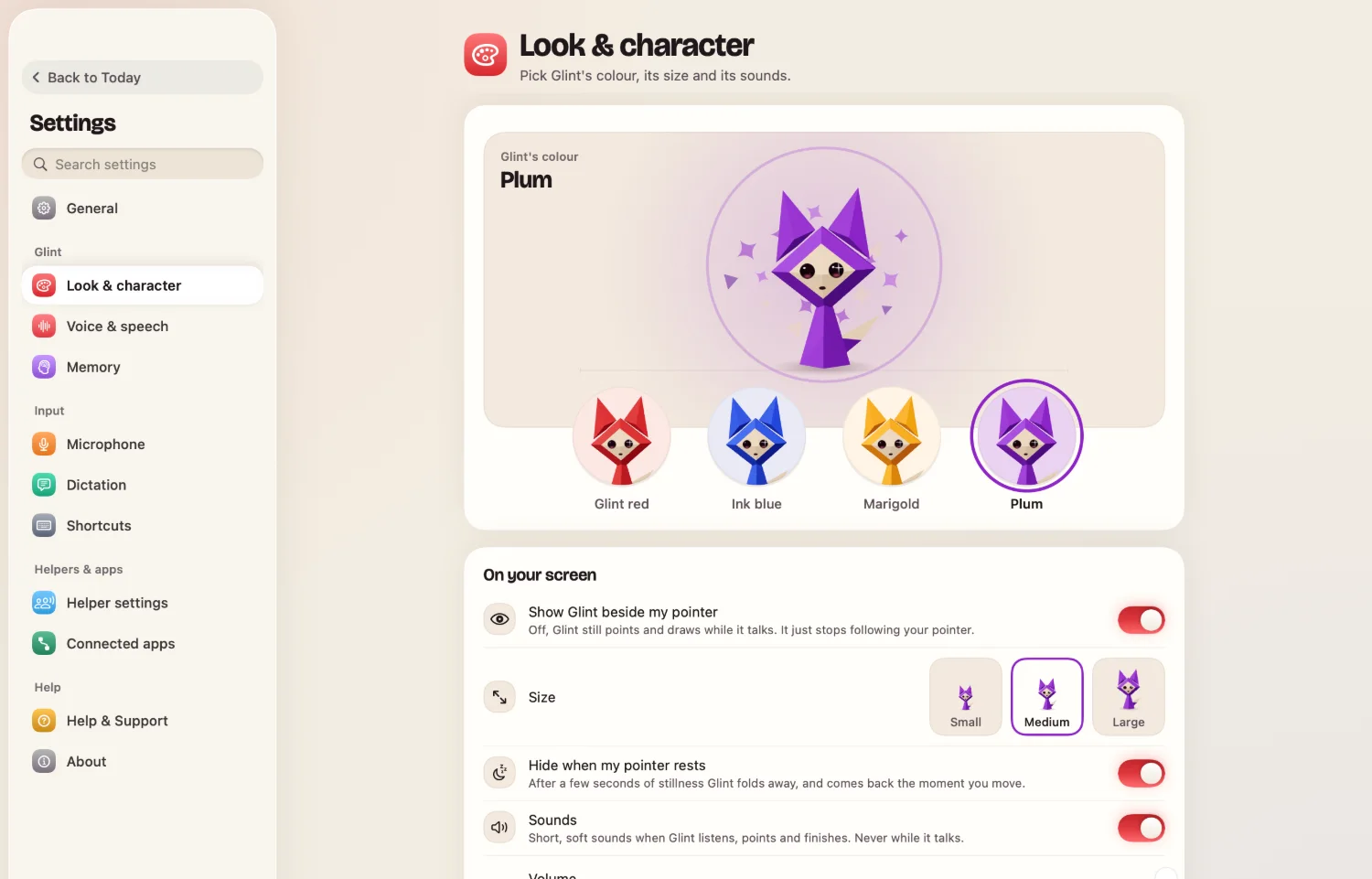
Drawn by the app itself, with sample helpers and chats.
Real recordings. Nothing staged.
Screen recordings of Glint on a MacBook Air, October 2026, trimmed for time. Glint looked a little different then.
 “Find the 3 cheapest flights to Tokyo and put them in a sheet.”A helper compared real fares on Google Flights and Kayak, then built the sheet.
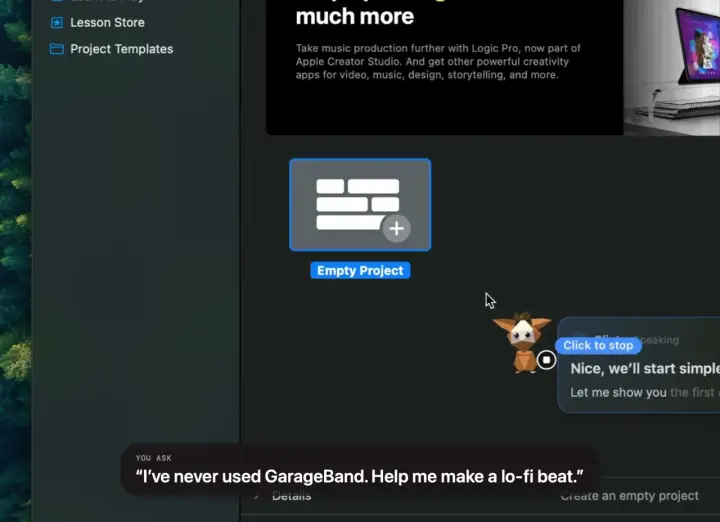 “I’ve never used GarageBand. Help me make a beat.”It circled each next step. Four loops later, the beat plays.
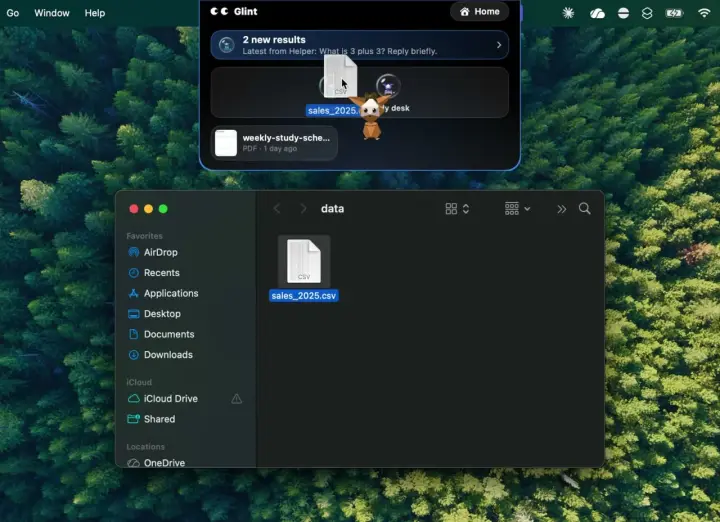 “Which region is in trouble, and why?”A helper read all 4,556 orders and came back with one chart.
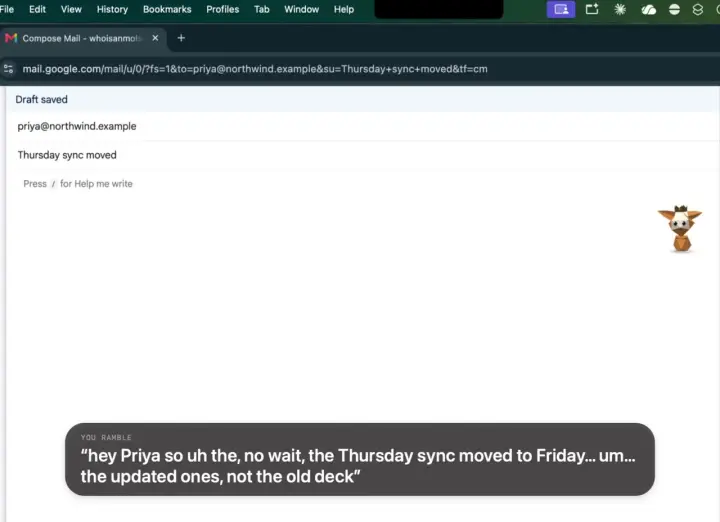 A rambling voice note, typed as a clean email.No ums, the restart gone, names spelled right.
- 2%word errors in our dictation test, with every “oh no, actually” fixed and the names spelled right.
- FreeGlint is free, and Threshold never charges you. Its AI, dictation included, runs on your own OpenRouter account. What you need →
- 0screenshots or recordings on our servers. They go from your Mac to the AI you connected, and Glint only looks when you ask or a helper is working.
Glint is free. The AI is yours.
Threshold never charges you. Glint thinks with an AI account you bring: you connect your own OpenRouter account in a minute, and any AI usage is between you and OpenRouter, on their terms and their pricing page.
Threshold doesn’t sell anything and doesn’t handle payments. OpenRouter is a separate company, with its own terms and privacy policy that you agree to with OpenRouter. Our terms · Privacy
Questions
Anything else? hello@hitthreshold.com
Is Glint really free?
Yes. Glint is free, and Threshold never charges you: there is nothing to buy from us, and we take no cut of anything. What isn’t part of Glint is the AI it thinks with. That runs on your own OpenRouter account, and OpenRouter, a separate company, charges for the AI you use there, on its own terms. Any AI usage is between you and OpenRouter; their pricing page has the details.
What is OpenRouter, and why do I need it?
OpenRouter is a separate company that gives one account access to many AI models. Glint doesn’t run AI of its own: when you talk to Glint, dictate or send a helper, the request goes to AI models on your own OpenRouter account. You connect it once, in about a minute: your browser opens OpenRouter, you sign in or sign up there and press Allow. Nothing to copy or paste. Your OpenRouter account is between you and OpenRouter, under their terms, privacy policy and pricing.
Does Threshold see my AI key or my conversations?
Not your conversations. When you ask Glint something, your words, your voice and the picture of your screen go straight from your Mac to OpenRouter, never through Threshold’s servers. Your key stays in your Mac’s Keychain. The first time helpers start, Glint sends it once to our server so the server can check with OpenRouter that it’s real; the server then throws it away and keeps only a scrambled form that can’t be turned back into the key. The one thing that passes through our server is connected-app requests, on their way to the app, and it doesn’t keep them. The privacy policy has every detail.
Do I need an account?
Two: a free Glint account, which you make when you first open Glint (an emailed code or Google), and your own OpenRouter account for the AI, connected once in your browser. Nothing to copy or paste, nothing technical.
What does Glint see?
Your screen, only when you talk or type to it, or while a helper you sent or scheduled is working. It goes from your Mac to OpenRouter, which passes it to the AI model that answers; it never reaches our servers. The privacy policy has every detail.
Windows? Intel Macs?
Apple silicon Macs today. Intel and Windows are on the way: leave your email below and we’ll tell you first.
Bring Glint to your Mac.
- Download and open it. macOS 14 or later, Apple silicon.
- Meet Glint. A short tour, and dictation once your AI is connected.
- Connect your AI to talk to Glint and send helpers. It runs on your own OpenRouter account.